There are many prototyping tools, user interface design tools or vector graphics applications. But most of them are paid or closed source. So here I will show you several open source options for you to try and use the one you like the most.
Penpot
Penpot is the first open source design and prototyping platform intended for cross-domain teams. Independent of operating systems, Penpot is web-based and works with open web standards (SVG).
It has features and capabilities aimed at the different roles within a team.
Penpot files are compatible with most vector tools, are technology friendly and extremely easy to use on the web.
Being web-based, Penpot does not depend on operating systems or installations, you only need to run a modern browser.
Build for the community. Extreme adaptability: contributions can range from add-ons and plugins to core functionality.
Interactions can be made to mimic the final result and interactive design proposals can be submitted.
All team members work simultaneously, you can modify the design in real time and make comments or ideas and comment directly on the designs.
You can share libraries and templates of your designs and download those of other users.
It also allows you to view the code of what you are designing, download a design icon or view the properties of a component.
Akira
Akira only works on linux and is born as a modern alternative to use on linux.
Akira is a native Linux design application built in Vala and GTK. Akira focuses on offering a modern and fast approach to UI and UX Design, aimed primarily at web designers and graphic designers. The main goal is to offer a valid and professional solution for designers who want to use Linux as their main operating system.
Akira is in an early stage of development, it is not recommended to use it in a major project, but to download and test it.
For now it includes:
-
Offers a fully vector canvas for infinite resizing without losing quality.
-
Includes an intelligent options panel that shows the editable characteristics of a selected element.
-
It includes a layers panel with the ability to drag and drop and sort them intelligently.
-
Allows you to create artboards to better organize iterations and design views.
-
Provides control over the size and quality of exported images.
-
Includes a set of customizable icons.
-
Includes a complete reconstruction of the Canvas library architecture.
-
Provides an implementation of the pixel grid.
-
Provides pixel grid color customization.
-
Offers implementation of smart snap guides.
Alva

Alva allows you to design interactive products based on the same components that programmers use for Web sites.
Design and programming come together.
As a designer, you start with a minimal set of web components that are enhanced by importing new components such as placeholder images. Based on that, a programmer can start writing the component as actual code and gradually replace all the components.
Component libraries can be created for programmers to use as needed.
Bringing web technology to web design.
A website is more than just a fixed-size drawing canvas, where you can place rectangles, circles and text wherever you want. Alva gives you the opportunity to make interactive designs.
Dotgrid
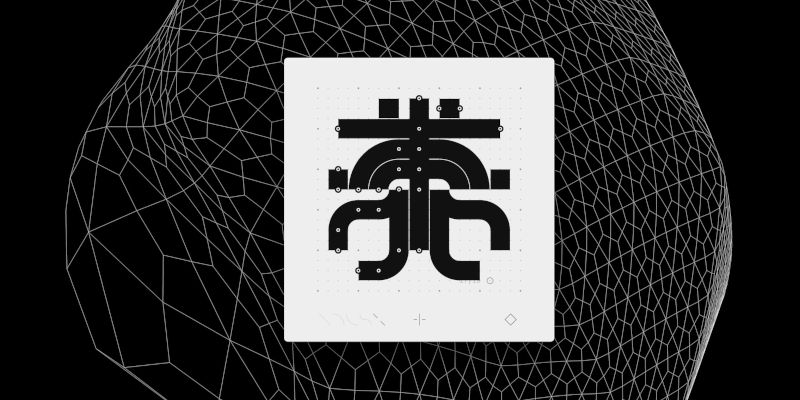
Dotgrid is a grid-based vector drawing software designed for creating logos, icons and type. It supports layers, full SVG specifications and additional effects such as reflection and radial drawing. Dotgrid exports to PNG and SVG files.
It is much simpler than the previous ones, but it is perfect for making simple logos and icons in a very easy way.
Here is a short video of how it works: